
How to Actually Get Better at Math
10m 37s

Transcribe YouTube to Text in seconds with AI. Generate accurate, searchable transcripts from any YouTube video — no download required.





Supports YouTube, TikTok, Instagram, X (Twitter), Facebook, and public media file links. The link must be publicly accessible.

DeVoice is built for one simple workflow: turn YouTube videos into usable text.
Copy any public YouTube video URL into DeVoice — no download or converter step needed.
DeVoice extracts the audio and transcribes YouTube videos into an editable transcript at 95.2% accuracy with timestamps.
Download TXT, SRT, VTT, DOCX, or CSV and edit inline before publishing.
Convert spoken content from YouTube videos into accurate, readable text with AI. DeVoice uses AI speech recognition to create transcripts that are ready to review, search, and reuse.
Turn a YouTube video into searchable text without manually typing every word. Simply paste the video URL and let AI generate the transcript.
Keep your transcript connected to the original video with timestamps. Quickly find specific moments, review important sections, and create subtitle-ready text.
Transcribe YouTube videos in 100+ source languages with automatic language detection. Create searchable text from multilingual video content without manually configuring the language.
Make interviews, podcasts, and conversations easier to read with speaker labels and AI-powered text cleanup. Improve transcript formatting and readability while preserving the original meaning.
Export generated transcripts as TXT, SRT, VTT, DOCX, or CSV. Use plain text for research and notes, or timestamped formats for subtitles and video editing.
Turn YouTube videos into accurate, structured, and reusable text.
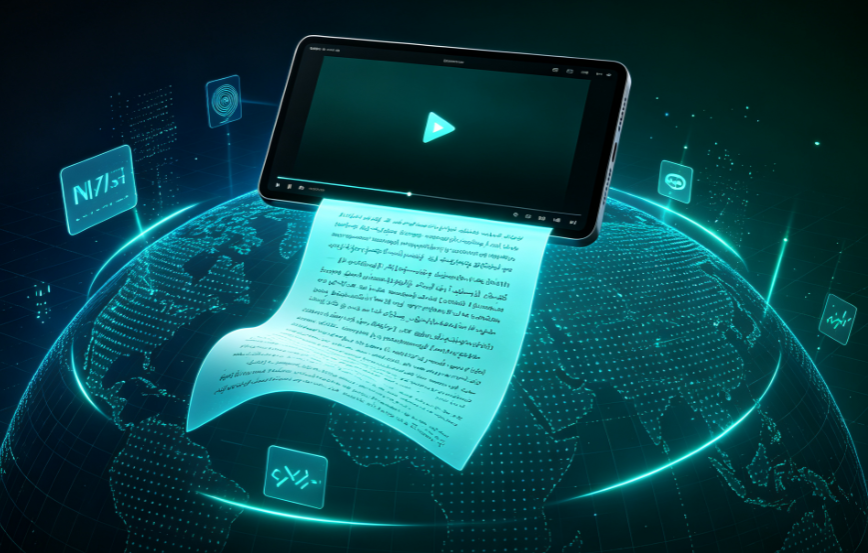
DeVoice supports transcription across 100+ source languages with automatic language detection. Whether you're working with English podcasts, Japanese tutorials, Spanish interviews, educational lectures, or multilingual content, you can generate searchable text without manually configuring the language.
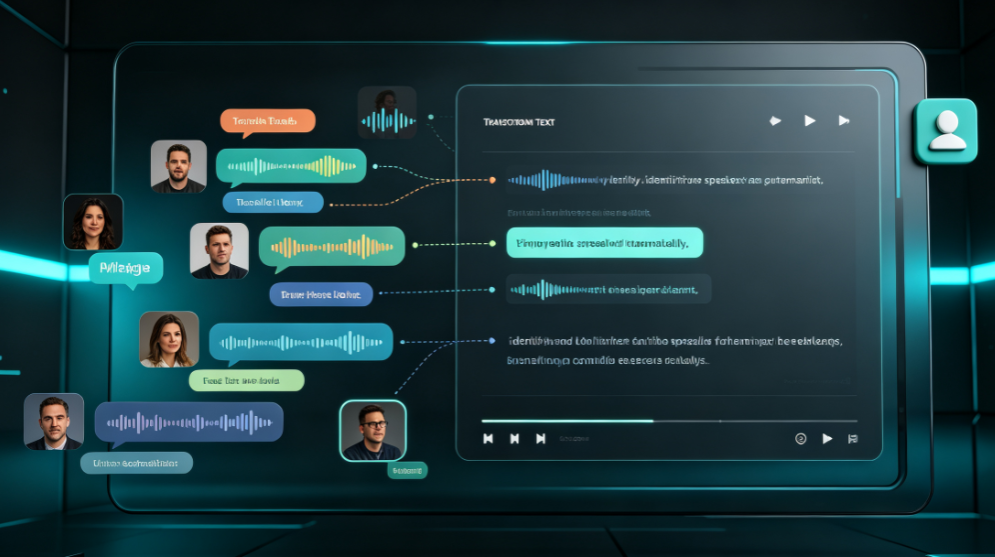
DeVoice supports multi-speaker transcription with automatic speaker separation and labeling. Whether you're working with interviews, podcasts, panel discussions, webinars, or recorded meetings, you can generate readable, attributed text without manually tagging who said what.

DeVoice supports timestamped transcription that aligns every line to the original video's timeline. When you Transcribe YouTube to Text with DeVoice, you get frame-perfect timestamps on every word — jump to specific moments, review key sections, and export SRT or VTT subtitles without manual syncing.
The fastest way is with DeVoice: paste a supported YouTube URL and it automatically generates an editable transcript — no manual typing. YouTube’s built-in transcript or manual transcription work too when available, but DeVoice also transcribes YouTube videos that have no captions.
Stop manually typing or replaying long videos to find the information you need. No video download required — paste a link and get text instantly.