

How to Actually Get Better at Math
10m 37s
Black Friday is live
Already have an account?
Upload your video files and use our Video to Text Converter to transcribe video to text instantly with accurate, editable transcripts.
Upload or drag audio / video
Max 500MB

Transcribing video to text has never been easier. With our AI-powered Video to Text Converter, you can convert video to text online in just a few steps:
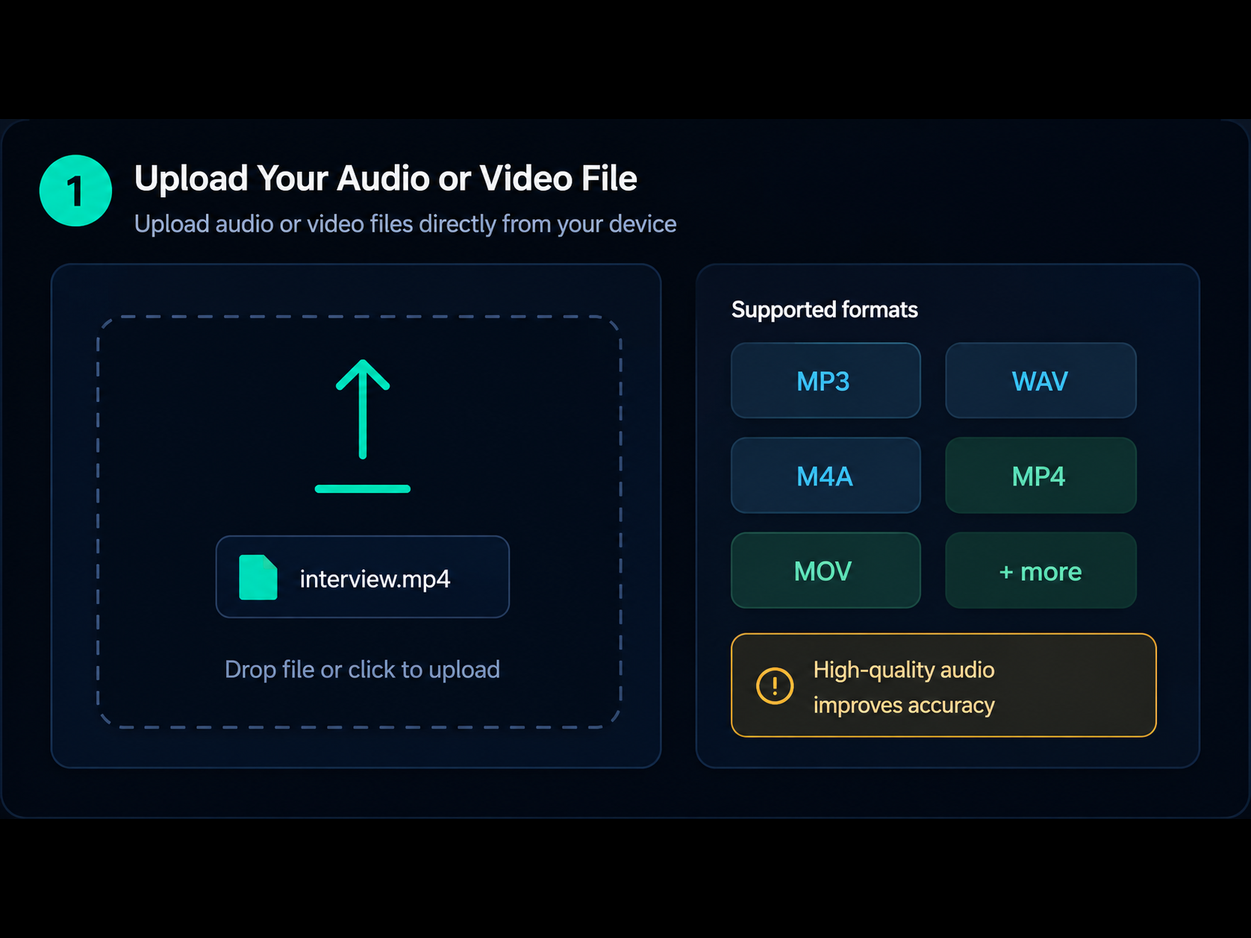
Start by uploading your video file. Our Video to Text Converter supports formats like MP4 and MOV, making it easy to transcribe video to text without extra tools.
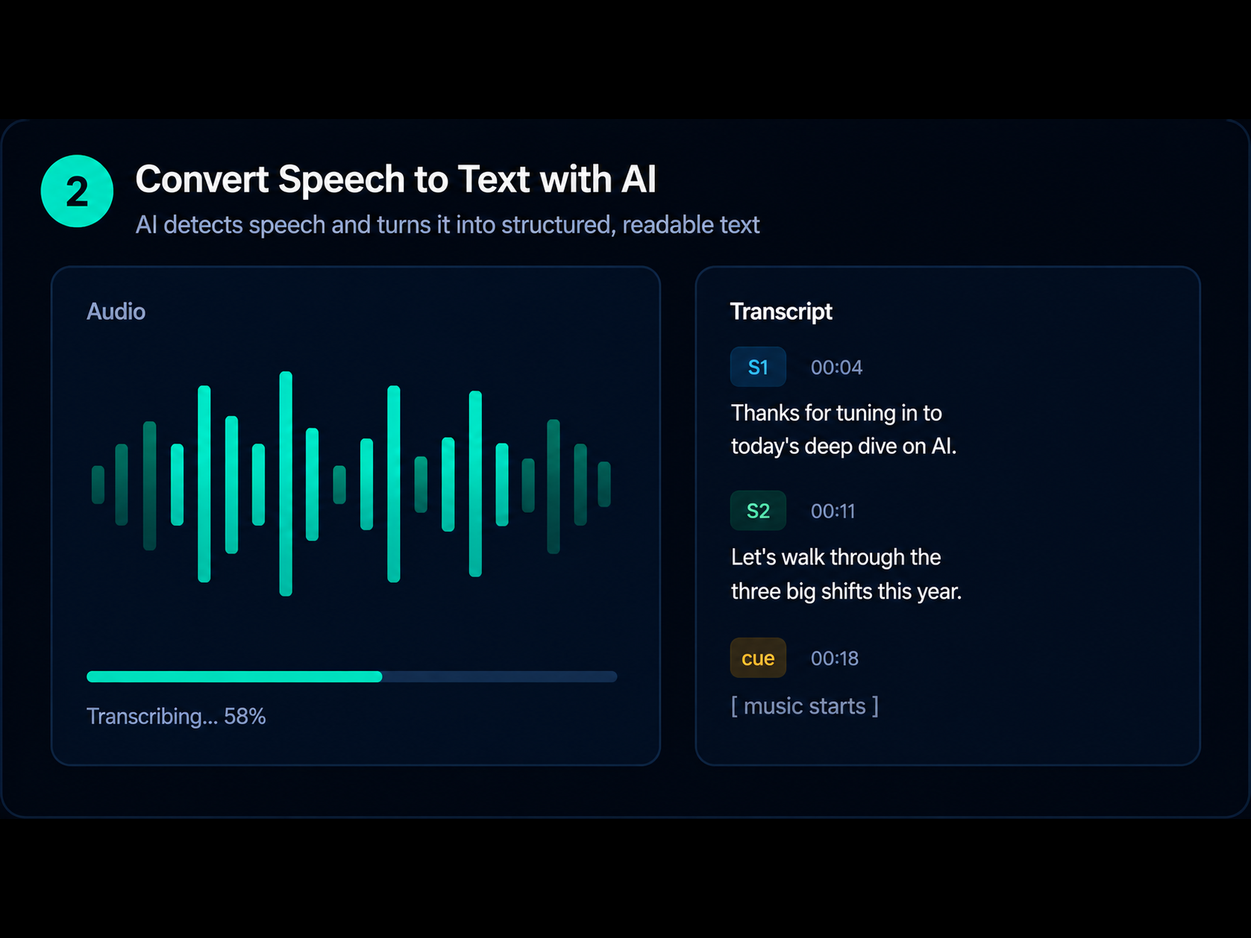
Click Convert and let AI instantly transcribe video to text. The system detects speech, removes filler words, and structures your transcript clearly.
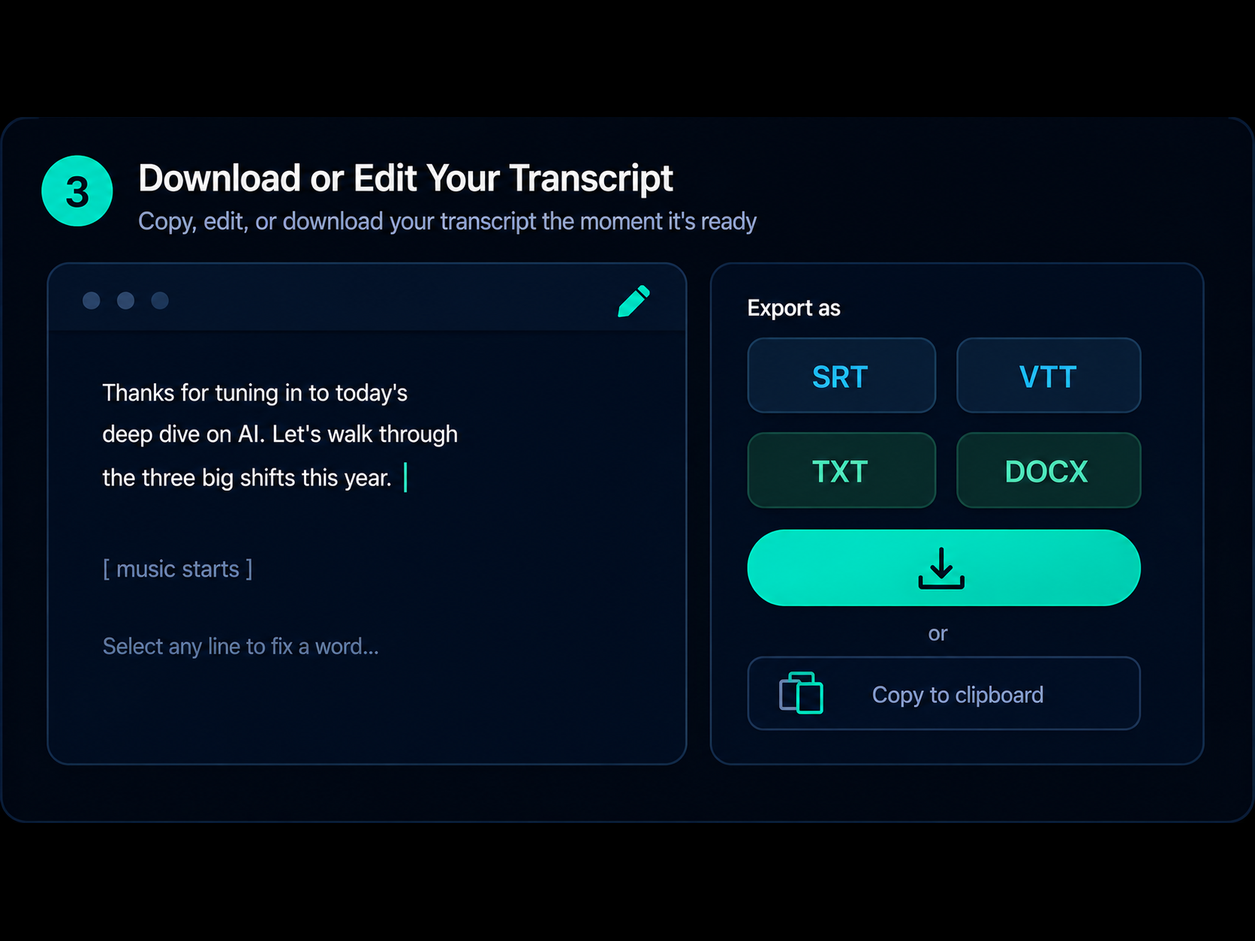
Once finished, download your transcript or copy it instantly. This transcribe video to text free tool lets you edit and reuse content easily.
From creators to professionals, thousands of users rely on our Video to Text Converter to transcribe video to text and save hours of manual work.
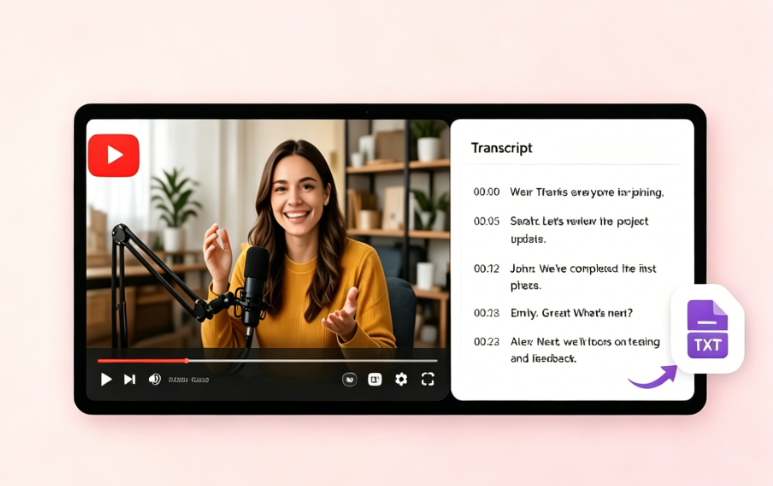
YouTubers and creators often need captions, summaries, or blog content from videos. Our Video to Text Converter helps you convert video to text quickly and accurately. Instead of manual transcription, you can transcribe video to text free and turn videos into SEO-friendly articles, subtitles, and social posts.
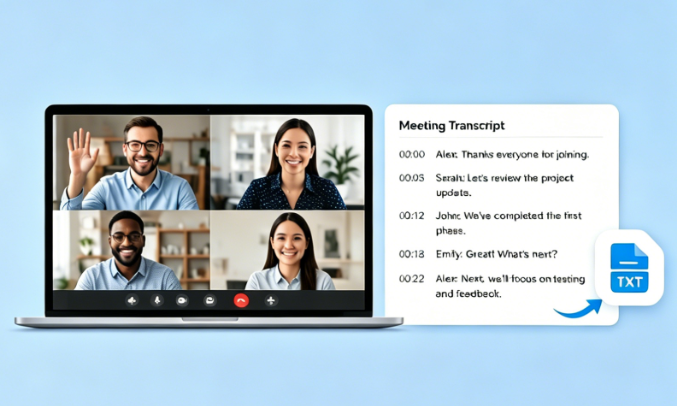
Recorded meetings and webinars often contain valuable insights. Our tool allows you to transcribe video to text instantly, making it easy to review decisions and action points. Using advanced AI, you can convert video to text online and turn long recordings into structured, searchable documents for your team.
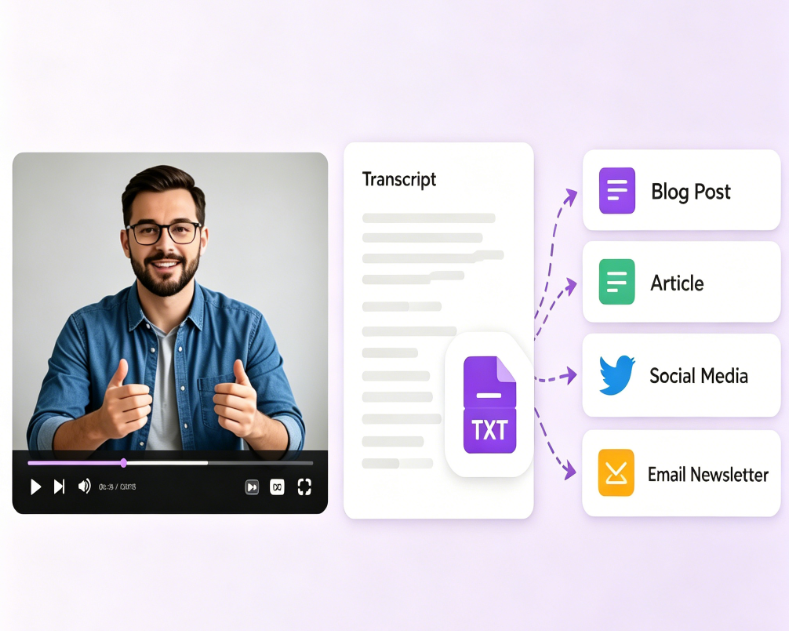
Content teams use our Video to Text Converter to scale production. Easily transcribe video to text and reuse content for blogs, emails, and social media. From tutorials to live streams, you can convert video to text and expand your reach without creating new content from scratch.
Our Video to Text Converter uses advanced AI to transcribe video to text with high accuracy. It understands different accents, tones, and speaking styles.
This tool supports 50+ languages, allowing you to transcribe video to text globally. Easily convert video to text online across different languages.
Automatically identify speakers when you transcribe video to text, making transcripts clearer and easier to follow.
Even noisy videos can be processed accurately. Our system enhances audio and ensures clean video to text transcription.
Convert videos in seconds using our fast Video to Text Converter. Perfect for users who need quick transcribe video to text free results.
Your files are encrypted and deleted after processing. Safely transcribe video to text online with full privacy protection.
Learn how DeVoice fits your audio and video workflow.
Upload an MP4, MOV, or MKV file to DeVoice and the AI transcribes the audio into text and SRT subtitles automatically. You can edit the transcript, export as TXT, SRT, or DOCX, and share it right from your browser.
Stop wasting time on manual transcription. Use our AI-powered Video to Text Converter to transcribe video to text instantly – free & no signup required.